Module
Operations Hub
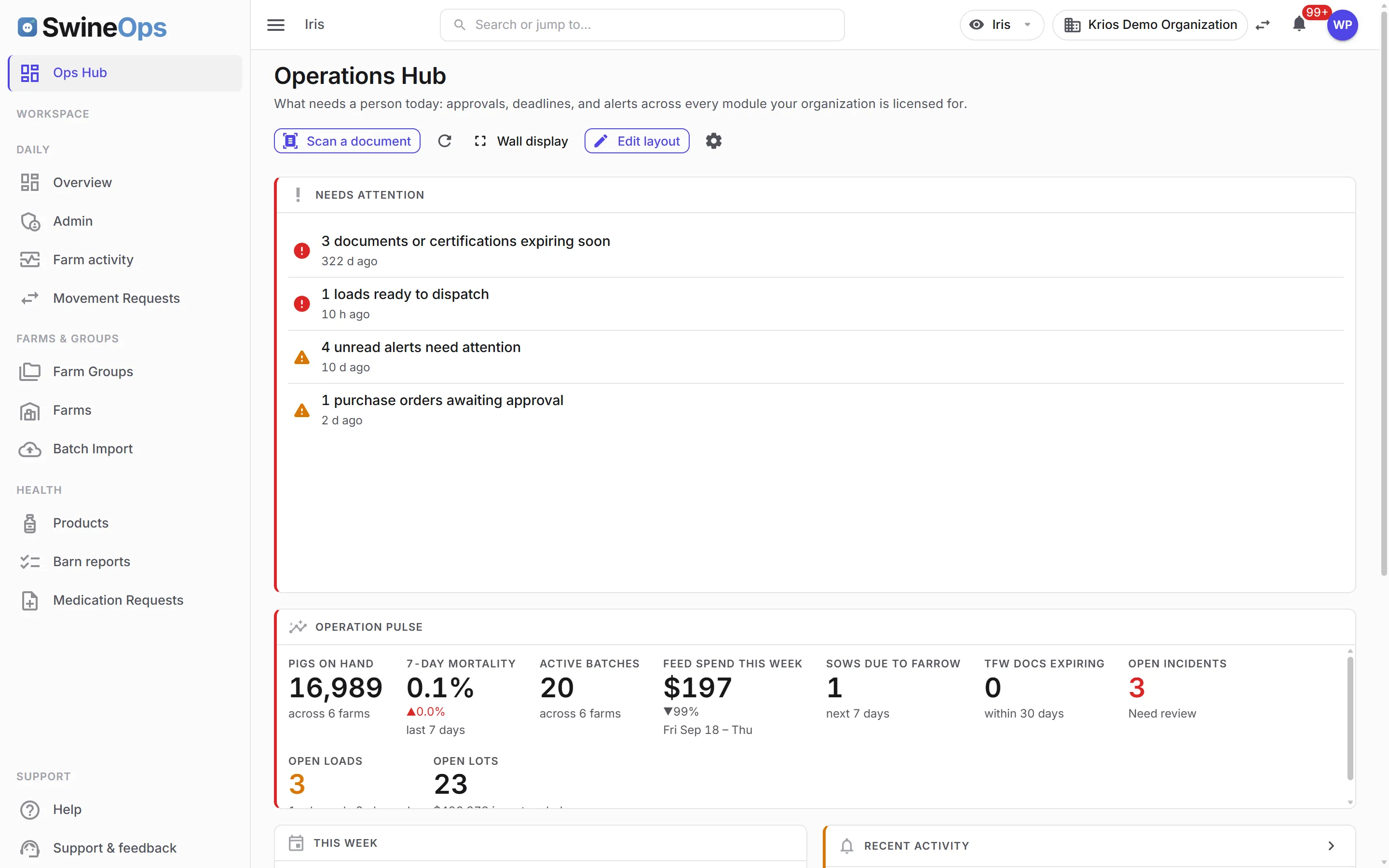
A configurable board that pulls live numbers, queues, and alerts from every licensed module onto one canvas. Pick a layout, choose what goes in each slot, drag things to the size you want — then put it fullscreen on the screen in the barn office and leave it running.
What it does
A board you build
- 35+ widgets across every module — stats, charts, gauges, tables, farm status lights, heat grids, countdowns
- Whole-herd efficiency, dressed-weight spread, margin per kg, feed tonnage and cost spread by farm, individual pig treatments — with a stage filter where a tile is scoped
- Drag to reorder, drag a corner or edge to resize — any widget, any shape that fits
- Widgets carry their own limits, so a chart can't be shrunk to something unreadable
- Add the same widget twice with different settings — mortality at 7 days beside mortality at 90
Layouts, so you don't start from nothing
- Six ready-made layouts — wall board, morning triage, farm health, production, financial, eight-up
- Each one lands as labelled empty slots ("Trend over time", "Attention queue") you fill in a click
- Or start blank and build it yourself
- Save any board's shape as your own reusable layout, and duplicate boards you like
Made for a screen on the wall
- Fullscreen board mode — bigger type, heavier status colour, no interface chrome
- Keeps the display awake; Autofit is one click that makes a board fit one board-mode screen so nobody has to scroll a TV
- Exceptions-only display — a widget shows up only when it is alerting, so a quiet board stays quiet
- Refreshes on its own between every 30 seconds and 15 minutes, whichever suits the board
- Rotate through several boards on a timer; up to 20 boards per organization
Honest when something breaks
- A freshness stamp shows how old the data on screen actually is
- It turns amber, then red, and says why — a frozen wall screen looks identical to a working one
- Lose the network and the last good board stays up rather than throwing an error page
- One widget failing never blanks the board
A closer look
How it works
- 1
Pick a layout
Start from a ready-made arrangement of slots, or from a blank canvas.
- 2
Fill the slots
Each slot says what it's for and offers the widgets that suit it.
- 3
Arrange it
Drag to reorder and resize until it reads the way you want it to.
- 4
Hang it on the wall
Go fullscreen on the office screen and leave it running.
KPIs this module tracks
How it connects
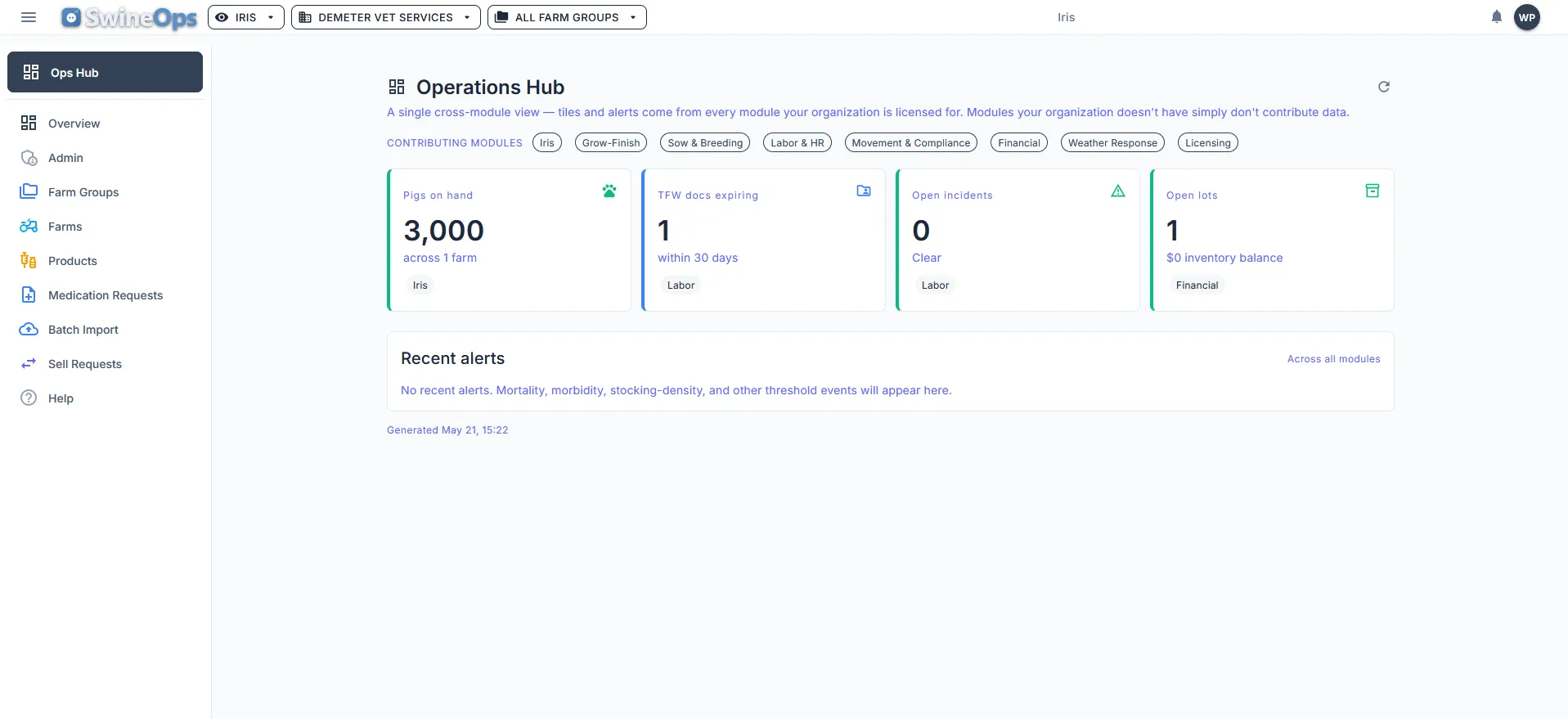
The Operations Hub holds no data of its own — it's the surface for everything else. A mortality trend from Health & Treatment, feed burn against budget from Grow-Finish, an expiring permit from Labor & HR, tomorrow's loads from Movement, spend against budget from Financial: each module contributes its own widgets, and only the ones you're licensed for appear.
Most operations don’t lose money because the data wasn’t captured — they lose it because the one number that mattered was sitting in a tool nobody opened that day. A board on the wall fixes that, but only if it shows the things your operation watches. So the Operations Hub isn’t a fixed dashboard someone else designed: you choose the widgets, you decide how big each one is, and you can build a different board for the sow unit than for the finishing sites.
Frequently asked
Who can see and build boards?
Do I need a TV in the barn office?
Is the Operations Hub a separate module I license?
What happens when the screen loses its connection?
Can different sites watch different things?
See Operations Hub on your operation.
20 minutes, tailored to how you run.